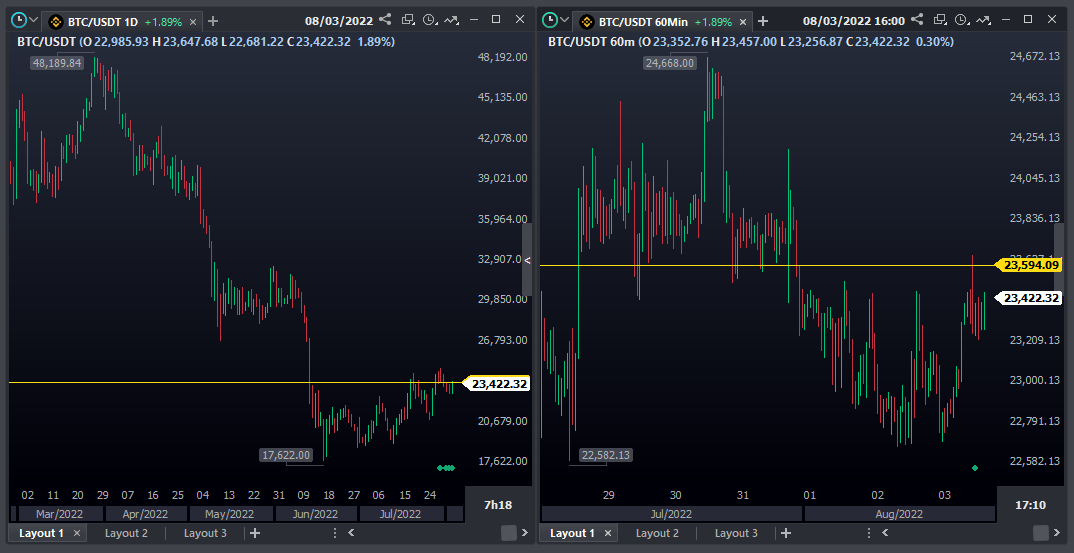
The studies are synchronized per crypto-active, which means that they will be applied to all its charts. For example, with two BTC/USDT chart windows open, inserting a price level line in one chart, it will replicate it to the other:
To separate the studies on the graphs of the same asset there are the following options:
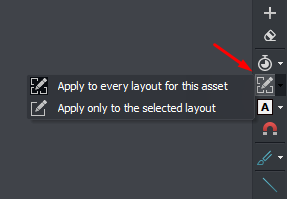
- Before designing a study, you can choose to apply it to all layouts or only to the current one, in the fifth option of the Study Toolbar:
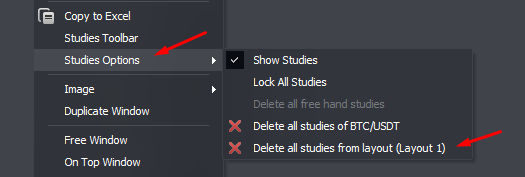
- To remove studies from the current layout, right-click on the graph and under Studies Options select the respective alternative:
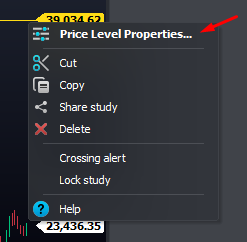
- It is also possible to customize each study individually by layout or graphic time by right-clicking on the study and opening Properties:
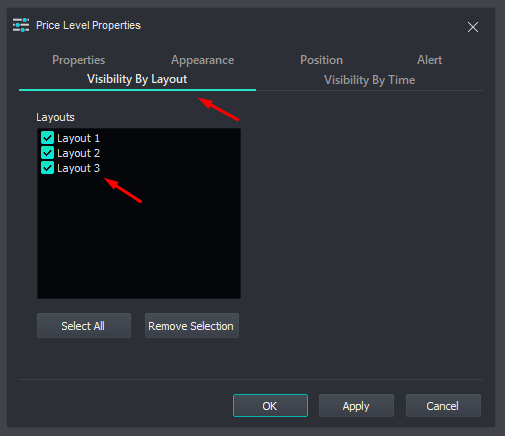
In Visibility By Layout, select only the layouts in which the study should be displayed:
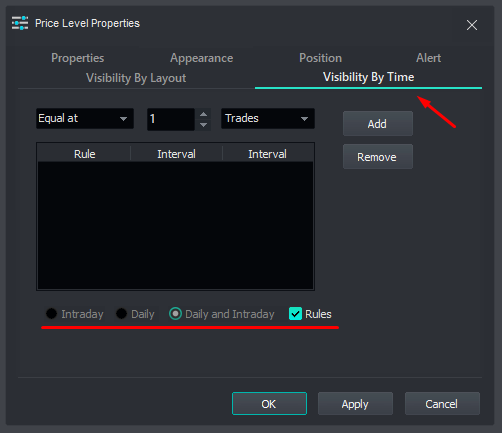
In Visibility by Time, create rules and determine in which periods the study should be viewed:
Was this content helpful?
Please rate us down below.
Happy trading!